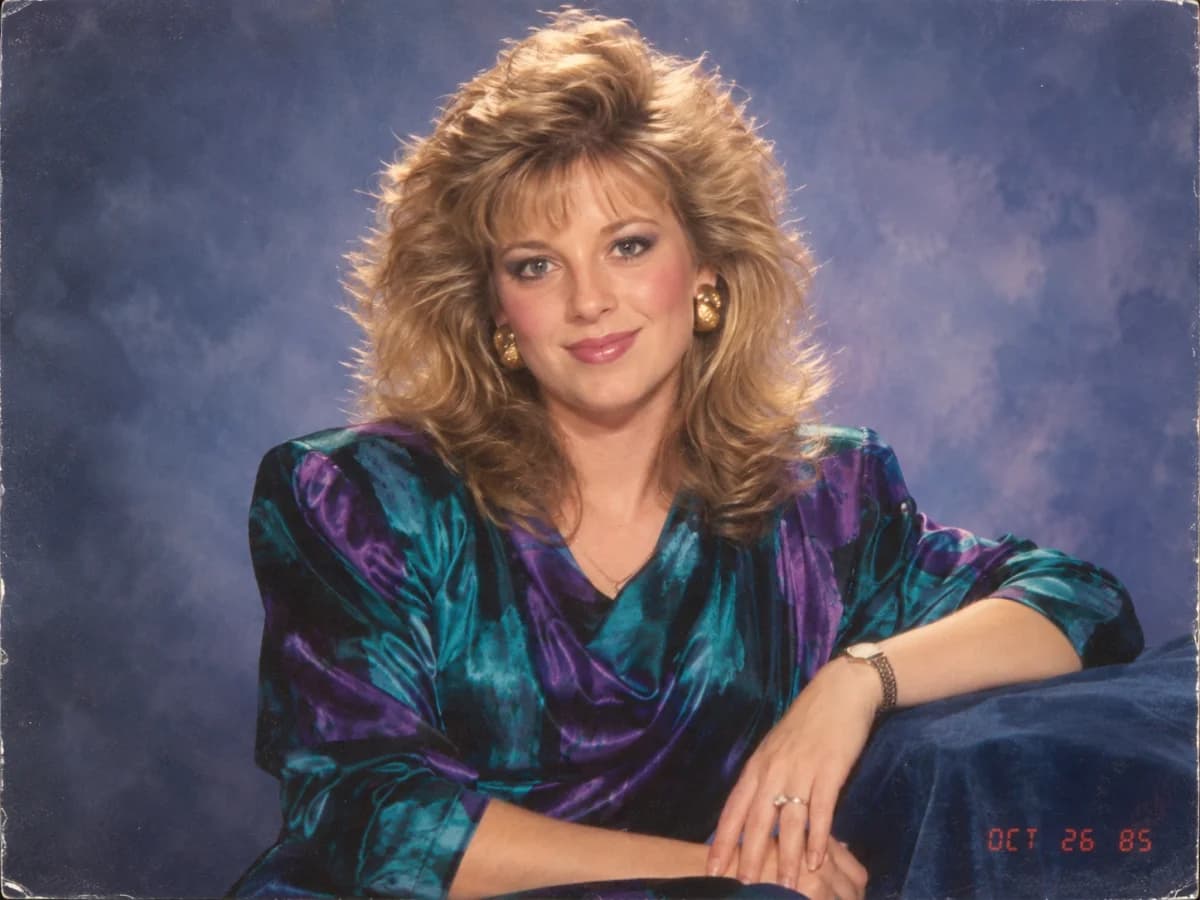
“Using my uploaded photo, preserve my identity, facial features, skin tone and recognizable appearance. Reimagine me as a glamorous 1985 studio portrait with feathered hair, expressive 1980s styling, jewel-toned clothing, direct flash, soft analog grain, faded film color and a red-orange date stamp. No modern objects or text.”
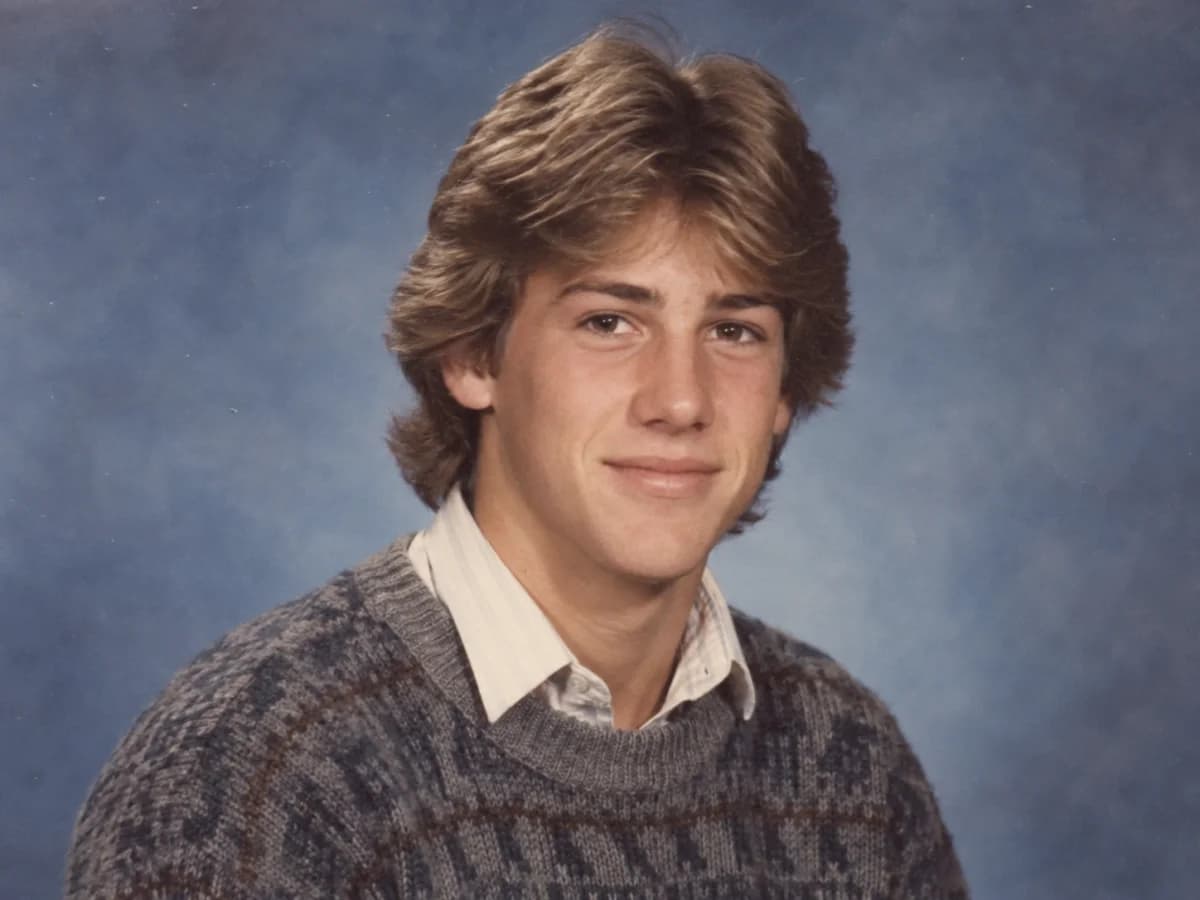
“Transform my uploaded portrait into a believable 1984 high school yearbook photo. Keep my face and identity clearly recognizable. Use feathered hair, a knit sweater over a collared shirt, neutral blue studio background, centered composition, soft school-photo lighting, muted print colors and mild film grain. No modern clothing or retouching.”
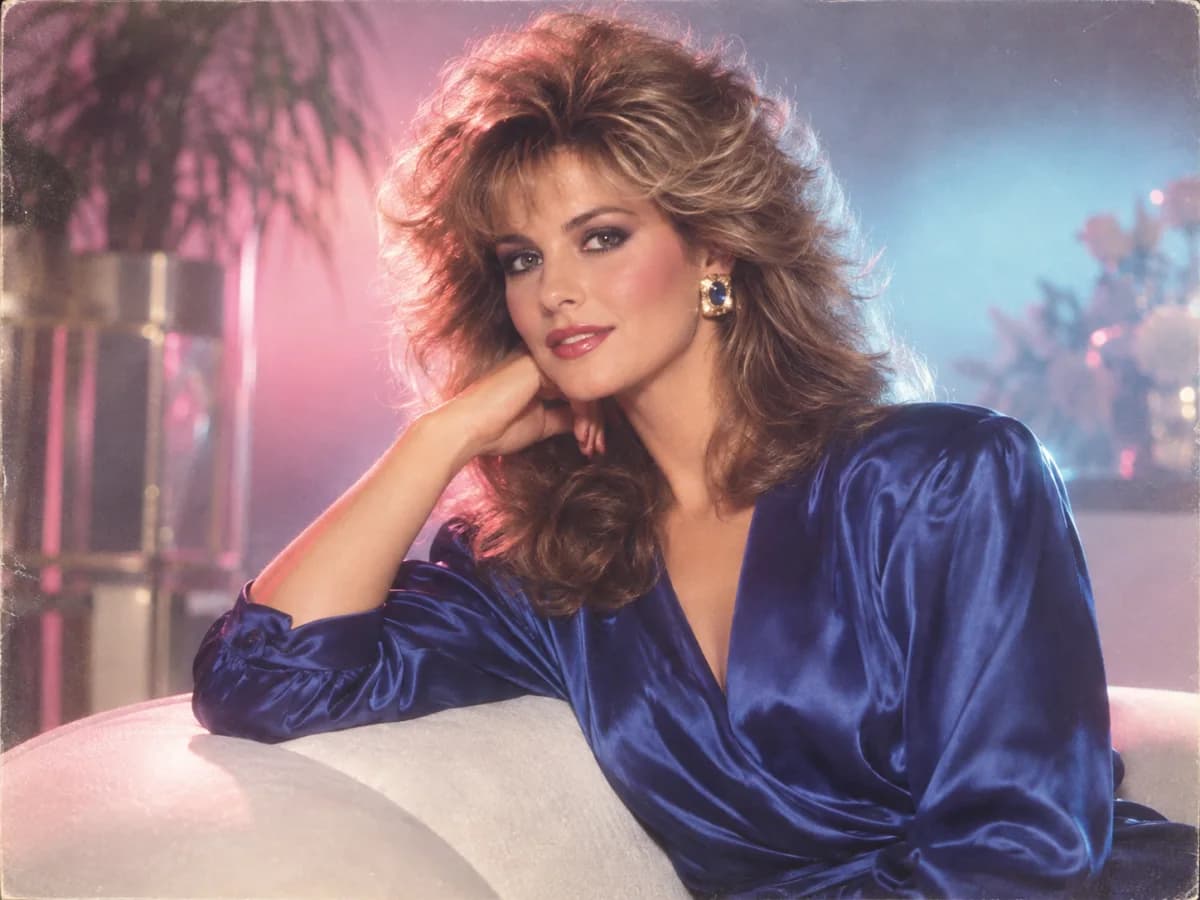
“Turn my uploaded portrait into a polished 1987 80s glamour shot. Preserve my exact face, skin tone and proportions. Use big feathered hair, luminous makeup, a satin jewel-toned blouse, studio rim light, soft-focus diffusion, direct flash, pastel backlighting and authentic 35mm grain. No modern styling or text.”
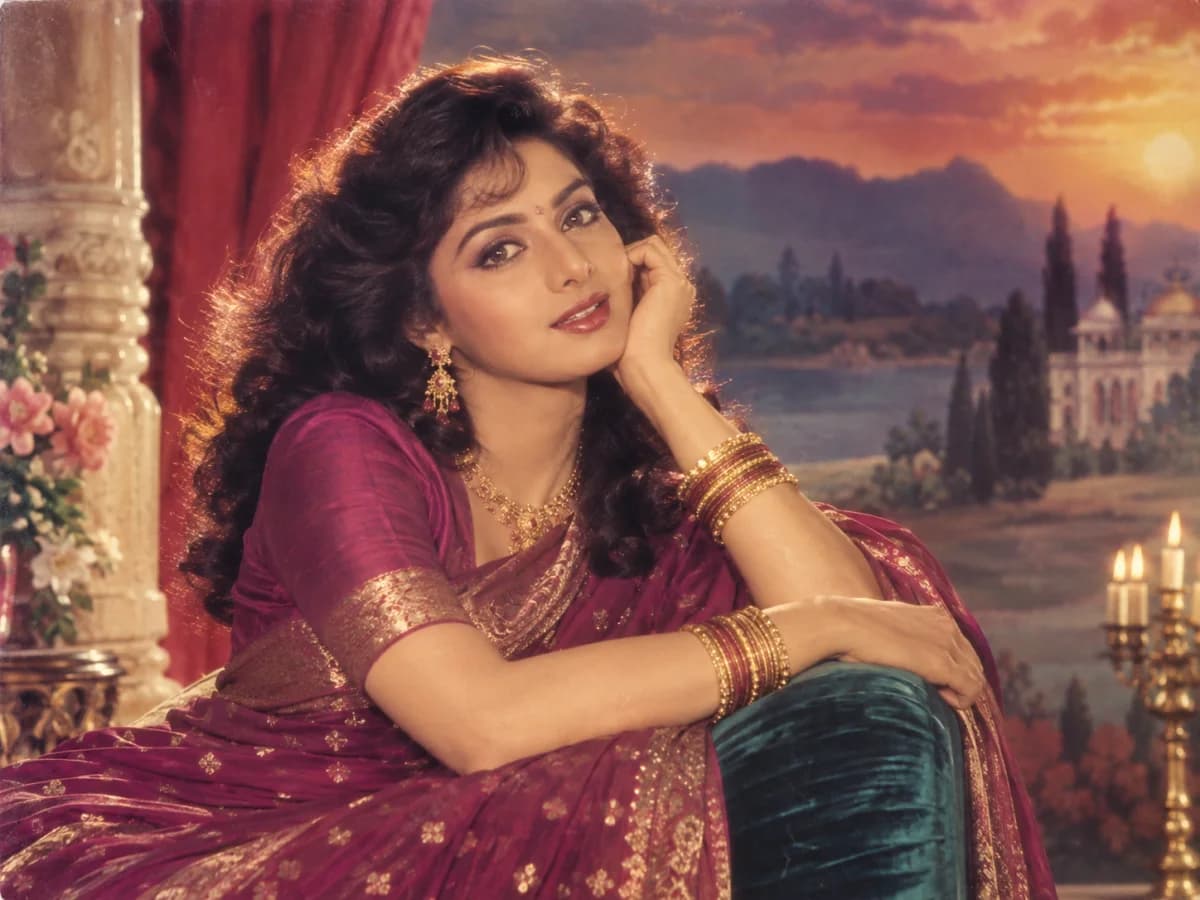
“Reimagine my uploaded photo as a glamorous mid-1980s Bollywood film portrait while preserving my exact face, skin tone and identity. Use expressive period hair, cinematic makeup, elegant jewel-toned clothing and gold accessories, warm theatrical lighting, painted studio scenery, rich film color, halation and fine analog grain. No modern objects.”
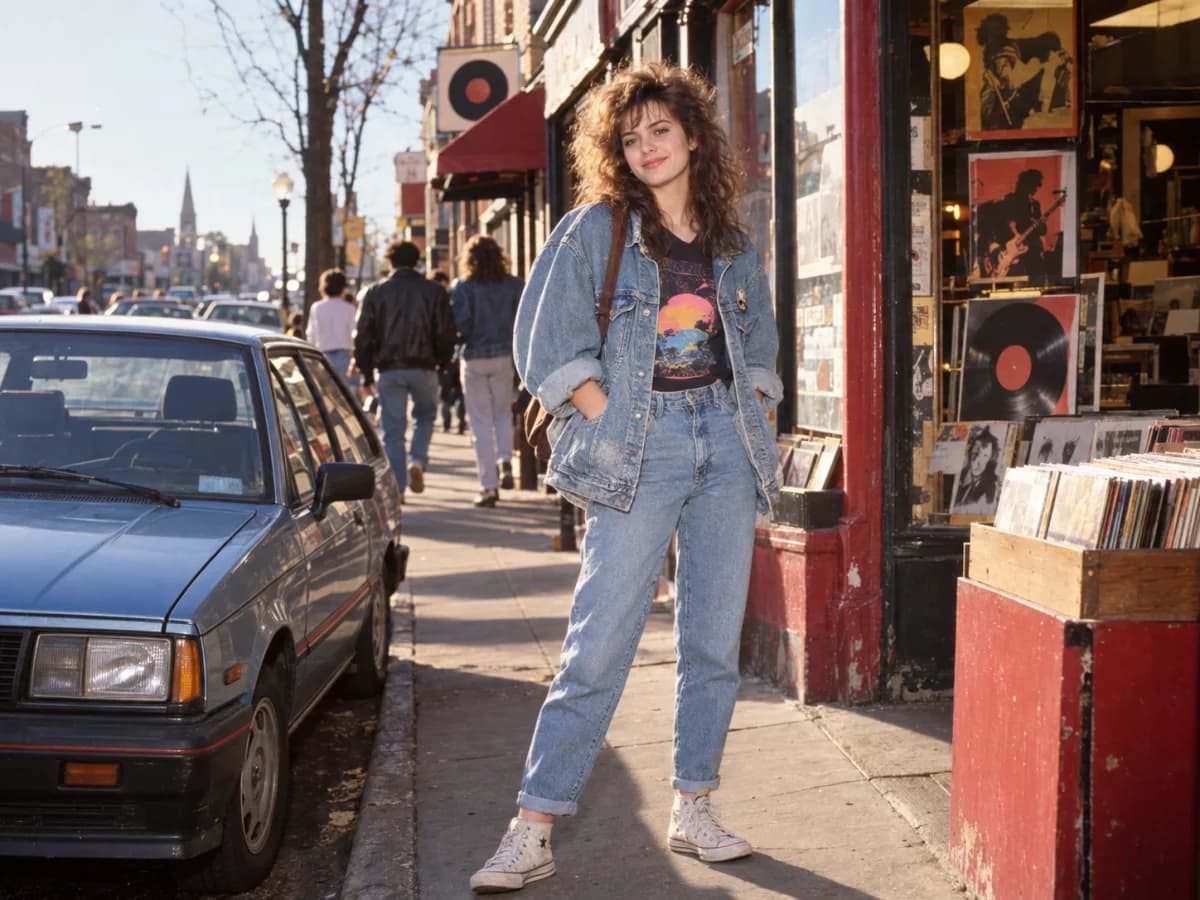
“Turn my uploaded photo into a candid 1986 street portrait. Preserve my recognizable face and natural skin texture. Dress me in an oversized denim jacket, graphic T-shirt, high-waisted jeans and vintage sneakers beside a period-correct car and record shop. Use late-afternoon light, on-camera flash, saturated 35mm color and light grain. Exclude modern signs, phones and vehicles.”
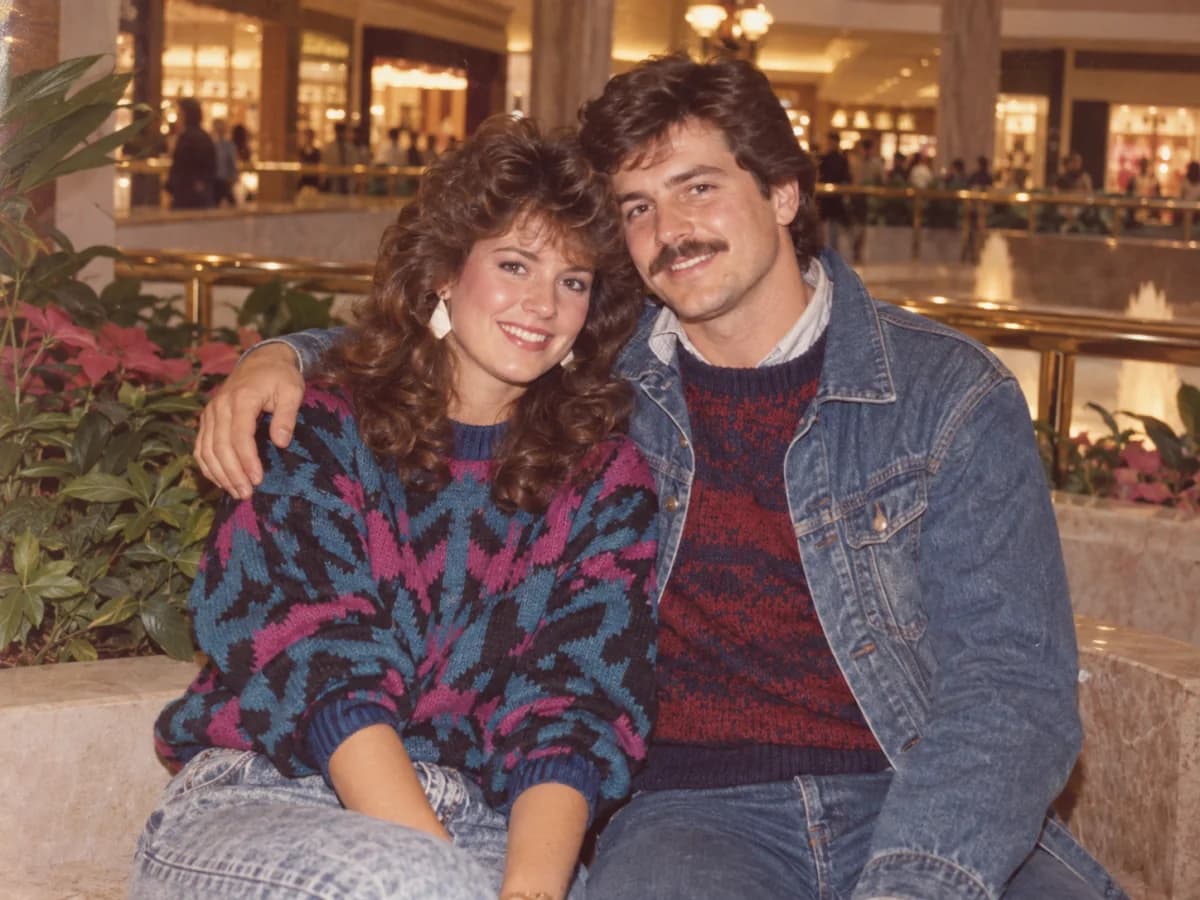
“Create a believable 1985 couple photo from our uploaded portrait. Keep both faces, ages and relationship recognizable. Style us in coordinated 1980s denim and bold knitwear at a mall or studio set, with soft direct flash, faded Kodak color, subtle halation, natural poses and printed-photo grain. No modern phones, logos or text.”
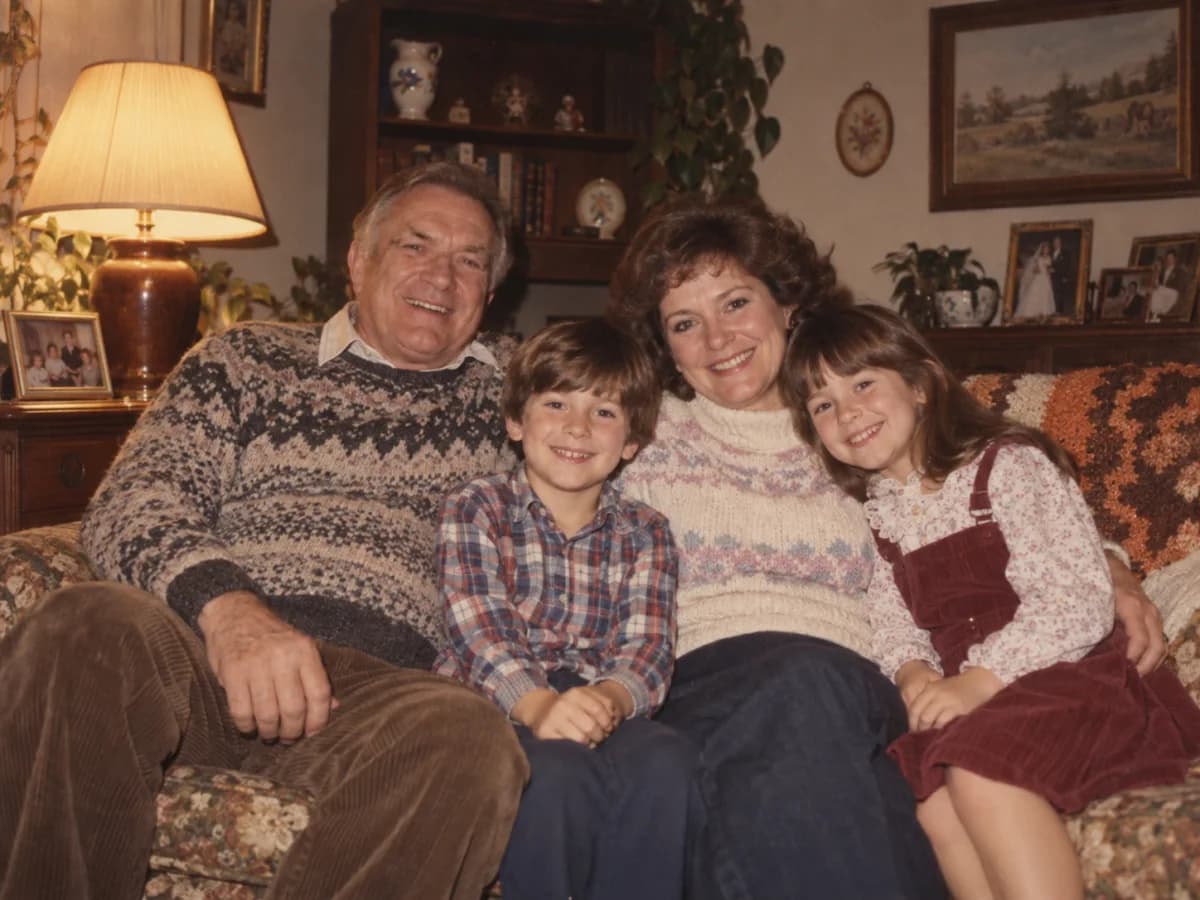
“Convert my uploaded photo into a warm 1983 family-album snapshot. Keep every person recognizable with the same facial features, ages and relationships. Use era-appropriate sweaters and patterned shirts in a cozy living room with wood furniture and a table lamp. Add direct flash, warm faded color, soft focus and fine grain. No modern devices or decor.”